
Laptop & Desktop Repair
A laptop that will not charge, a desktop that takes five minutes to start, a screen that flickers: each costs a working day at a time. We diagnose before we spend, explain the fault in plain words, and repair it, or tell you honestly when the money is better spent on a replacement.
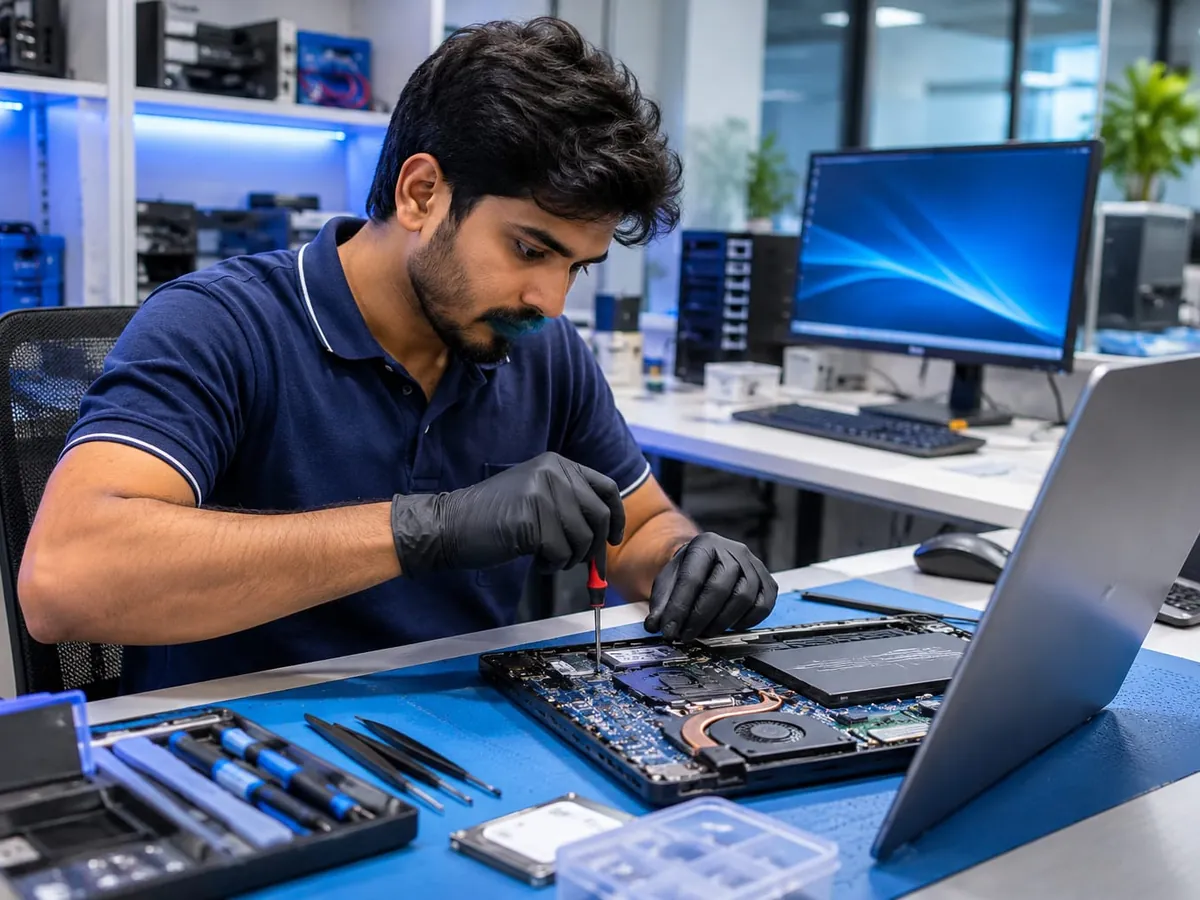
What Aghanya Technology provides
- Diagnosis of laptops and desktops that will not start, will not charge or run poorly.
- Repair and replacement of failed hardware.
- Cleaning and servicing of slow or overheating systems.
- A clear explanation of the fault and the options before work begins.
The problem it solves: A failing computer costs time every day it stays that way, and a guessed-at repair often costs twice.
What is included
- Hardware fault diagnosis
- Part replacement and repair
- Internal cleaning for overheating systems
- Honest repair-or-replace advice
- Batch servicing for office machines
Where it is used
- A laptop that no longer starts or charges
- Office desktops that have become painfully slow
- Failed screens, keyboards, fans or drives
- Systems that overheat or shut down unexpectedly
What you gain
- A diagnosis before any spending
- Faster return to work
- Honest repair-or-replace advice
How we do it
- Step 1
Describe the fault
Tell us what the machine is doing and what you have already tried.
- Step 2
Diagnose
Our technicians check the hardware to find the real cause.
- Step 3
Explain
We explain the problem, the options and the cost before going ahead.
- Step 4
Repair and return
We carry out the agreed repair, test the machine and return it.
Frequently asked questions
What can you repair?
Common hardware and performance faults on laptops and desktops: machines that will not start or charge, run slowly or overheat, or have failed screens, keyboards, fans or drives.
Will you tell me what is wrong before you repair it?
Yes. We explain the fault and the options first, and you decide whether to go ahead.
Is repair always worth it?
No. If a repair would cost close to a replacement, we say so and help you compare, including refurbished options.
Can you service several office computers together?
Yes. Tell us the number when you enquire. If servicing will be regular, Computer & Hardware AMC may suit you better than one-off repairs.
How long will a repair take?
That depends on the fault and on part availability, so we do not promise a time in advance. We tell you what to expect after diagnosis.
Related services
- Computer Components & Laptop SparesMemory, storage, batteries, chargers, keyboards, screens and other components, matched to your exact model.
- Computer & Hardware AMCPreventive maintenance for desktops, laptops, printers and peripherals, on a schedule you agree.
- Refurbished Business LaptopsBusiness-grade laptops, checked and prepared for a second working life, at a fraction of the cost of new.
Request a callback about Laptop & Desktop Repair.
Leave your name and mobile number and our team will call you back about this service. Mention quantity, location or timing if you know them.