
Hardware Upgrades
Many computers are retired for being slow when the real bottleneck is a single component. Moving from a hard disk to a solid-state drive, or adding memory, can transform how a machine feels. We assess each system, recommend only the upgrades that will make a measurable difference, and tell you plainly when a machine is past helping.
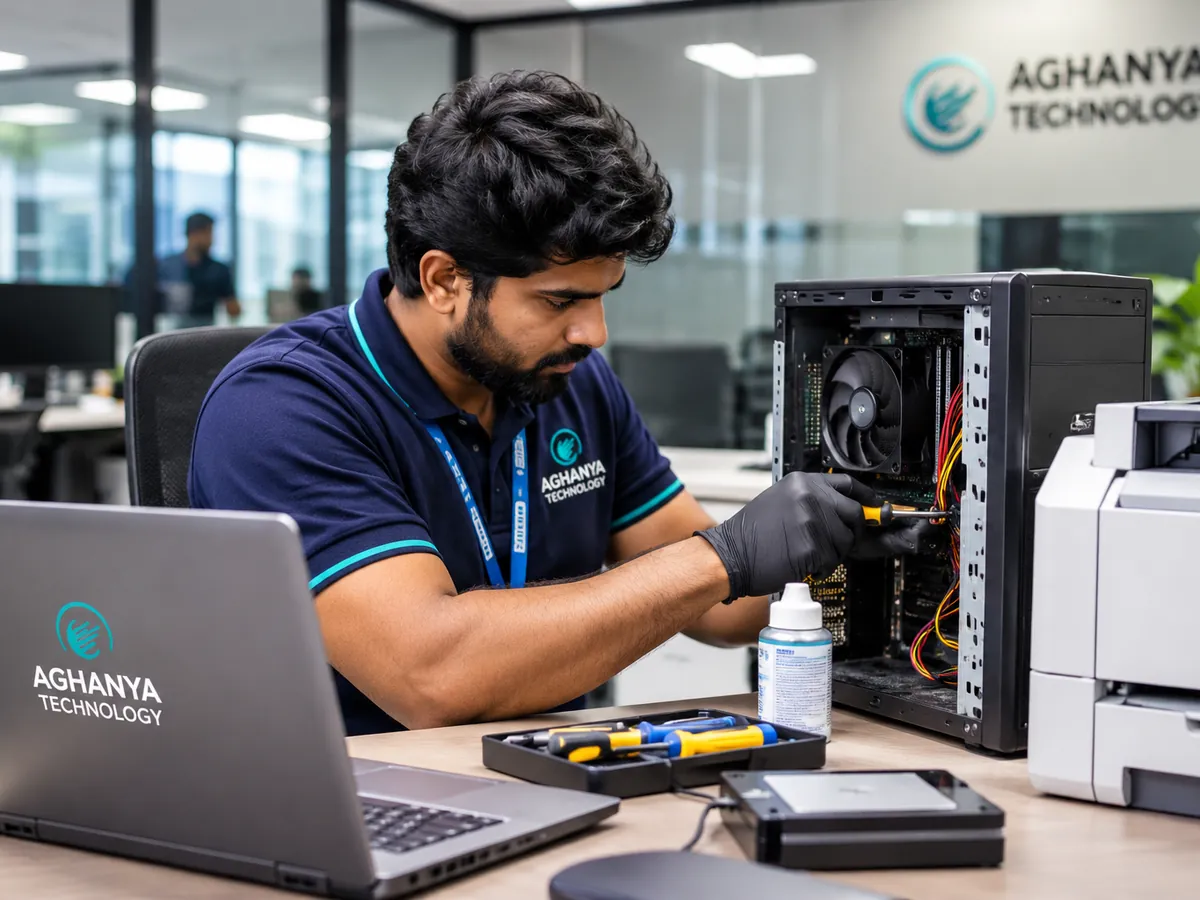
What Aghanya Technology provides
- Assessment of existing computers to find the real performance bottleneck.
- Memory (RAM) and solid-state drive (SSD) upgrades.
- Other component upgrades where the machine supports them.
- Data transfer to the new drive where required, and testing afterwards.
The problem it solves: Many slow computers are replaced when a targeted upgrade would have restored them for a fraction of the price.
What is included
- Bottleneck assessment
- RAM upgrades
- SSD upgrades
- Component replacement where supported
- Testing after every upgrade
Where it is used
- Office desktops that take minutes to start
- Laptops that struggle with modern software
- Extending the life of a fleet by a few years
- Preparing machines for a new application
What you gain
- Lower cost than replacement
- Noticeably faster start-up and response
- Advice on when an upgrade is not enough
How we do it
- Step 1
Assess
We check the machine and identify what is actually slowing it down.
- Step 2
Recommend
We propose upgrades with their cost, or advise against upgrading where it will not help.
- Step 3
Upgrade
We fit the agreed components and transfer data where required.
- Step 4
Test
We confirm the machine is stable and faster before returning it.
Frequently asked questions
Which upgrade makes the biggest difference?
For older machines with a hard disk, moving to a solid-state drive usually has the most visible effect. Memory helps when many programs or browser tabs are open. We confirm after assessment.
Will I lose my data during an SSD upgrade?
Data can usually be transferred to the new drive. We discuss this before starting, and we recommend you keep your own backup of important files.
Can every computer be upgraded?
No. Some laptops have memory soldered to the board or limited expansion. We check your model first and tell you what is possible.
When is a replacement better than an upgrade?
When the processor itself is the bottleneck, or the upgrade cost approaches the price of a better machine. We will say so.
Can you upgrade several machines together?
Yes. Office batches can be planned to minimise downtime. Tell us the number and models when you enquire.
Related services
- Computer Components & Laptop SparesMemory, storage, batteries, chargers, keyboards, screens and other components, matched to your exact model.
- Computer & Hardware AMCPreventive maintenance for desktops, laptops, printers and peripherals, on a schedule you agree.
- IT Infrastructure UpgradesPlanned upgrades and expansions for offices that have outgrown their computers, network or security systems.
Request a callback about Hardware Upgrades.
Leave your name and mobile number and our team will call you back about this service. Mention quantity, location or timing if you know them.