
Office Wi-Fi, Switches & Routers
A single home router in the corner of an office was never meant to carry fifty people. The result is familiar: video calls that freeze in the meeting room, laptops that crawl at the far desks, and guests on the same network as your accounts system. We place access points for your actual floor plan, size switching for your devices, and configure the network so it stays fast and properly separated.
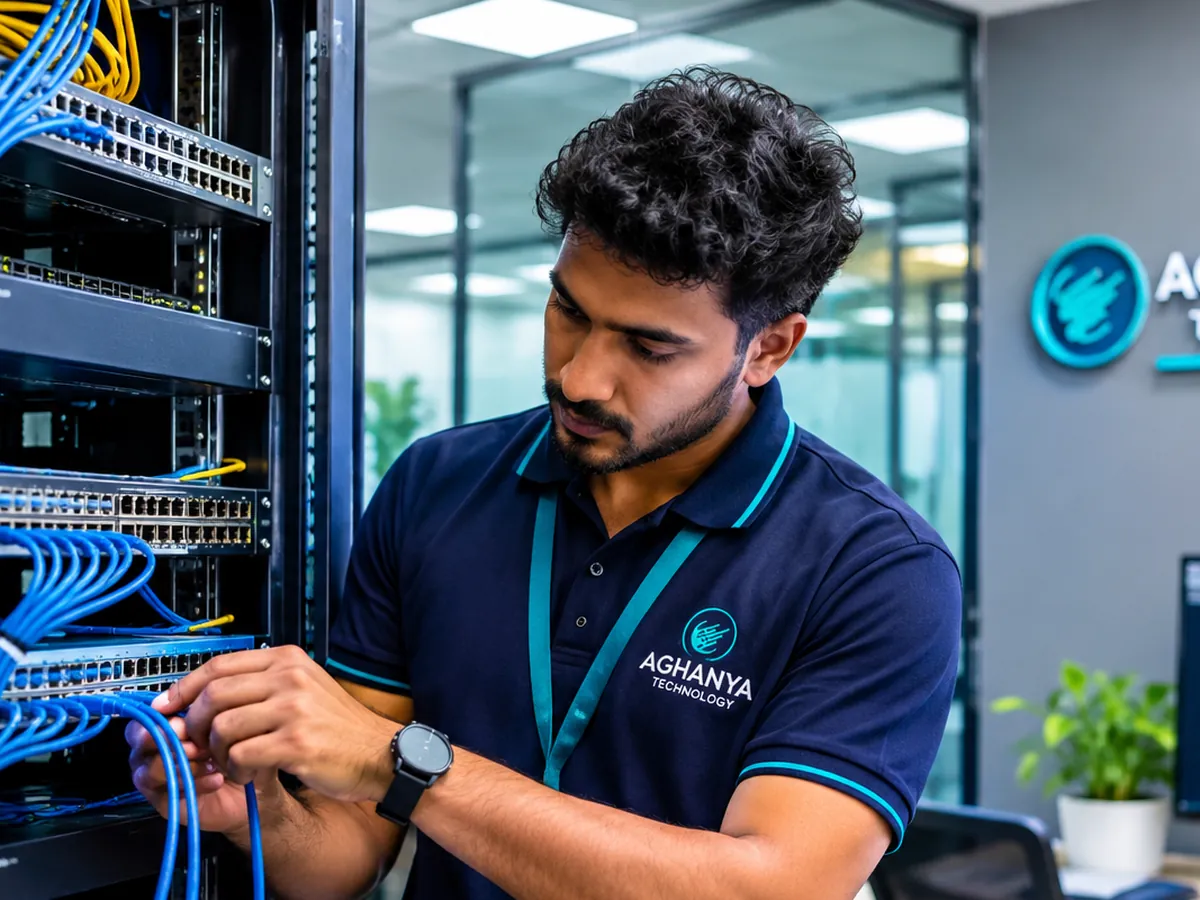
What Aghanya Technology provides
- Wi-Fi coverage planning based on your layout and user count.
- Supply and installation of access points, switches and routers.
- Network configuration, including separate staff and guest networks where needed.
- Connectivity solutions linking floors, rooms and buildings.
The problem it solves: One consumer router in a corner cannot serve a whole office, so meeting rooms drop calls and far desks crawl.
What is included
- Access points placed for coverage
- Managed switching sized for your devices
- Router and firewall configuration where suitable
- Separate guest Wi-Fi
- Room for additional users
Where it is used
- Offices with dead zones or dropping calls
- Meeting rooms and conference halls
- Multi-floor premises
- Clinics, showrooms and hospitality spaces with guest access
What you gain
- Coverage where people actually sit
- Staff and guest traffic kept apart
- Equipment sized for growth
How we do it
- Step 1
Assess
We review the floor plan, user count and how the network is used.
- Step 2
Design
We plan access point positions and select switches and routers.
- Step 3
Install
We mount and connect the equipment, working with your cabling.
- Step 4
Configure and test
We configure networks and security settings and check coverage with you.
Frequently asked questions
Why is our office Wi-Fi slow in some areas?
Usually because one device is trying to cover too much space, or walls and interference are blocking the signal. Correctly placed access points normally solve it.
Can guests use Wi-Fi without accessing our systems?
Yes. A separate guest network keeps visitors away from your internal devices. We configure it where needed.
Do access points need cabling?
Most business access points connect by network cable, which also often powers them. We plan this with your LAN cabling.
Can you improve the speed from our internet provider?
We cannot change the line itself, but we make sure your internal network is not the bottleneck and help identify where a slowdown actually is.
Will you configure the equipment for us?
Yes. Configuration is part of the job, and we hand over the key settings so they are on record.
Related services
- LAN & Structured CablingPlanned cabling, racks and patch panels, installed neatly, labelled and tested point by point.
- Network & IT Infrastructure AMCScheduled inspection of cabling, ports, switches and routers, with troubleshooting when links drop.
- Complete Office IT SetupComputers, network, Wi-Fi, CCTV, attendance, phones and printers for a new office, delivered as one project.
Request a callback about Office Wi-Fi, Switches & Routers.
Leave your name and mobile number and our team will call you back about this service. Mention quantity, location or timing if you know them.