
Desktops & Workstations
Some work is simply heavier. A CAD drawing, a 4K edit, a month-end ledger or a large dataset will expose an ordinary computer within minutes. We supply office desktops for everyday desks and performance workstations for the people whose software asks more, sized component by component to the applications they run.
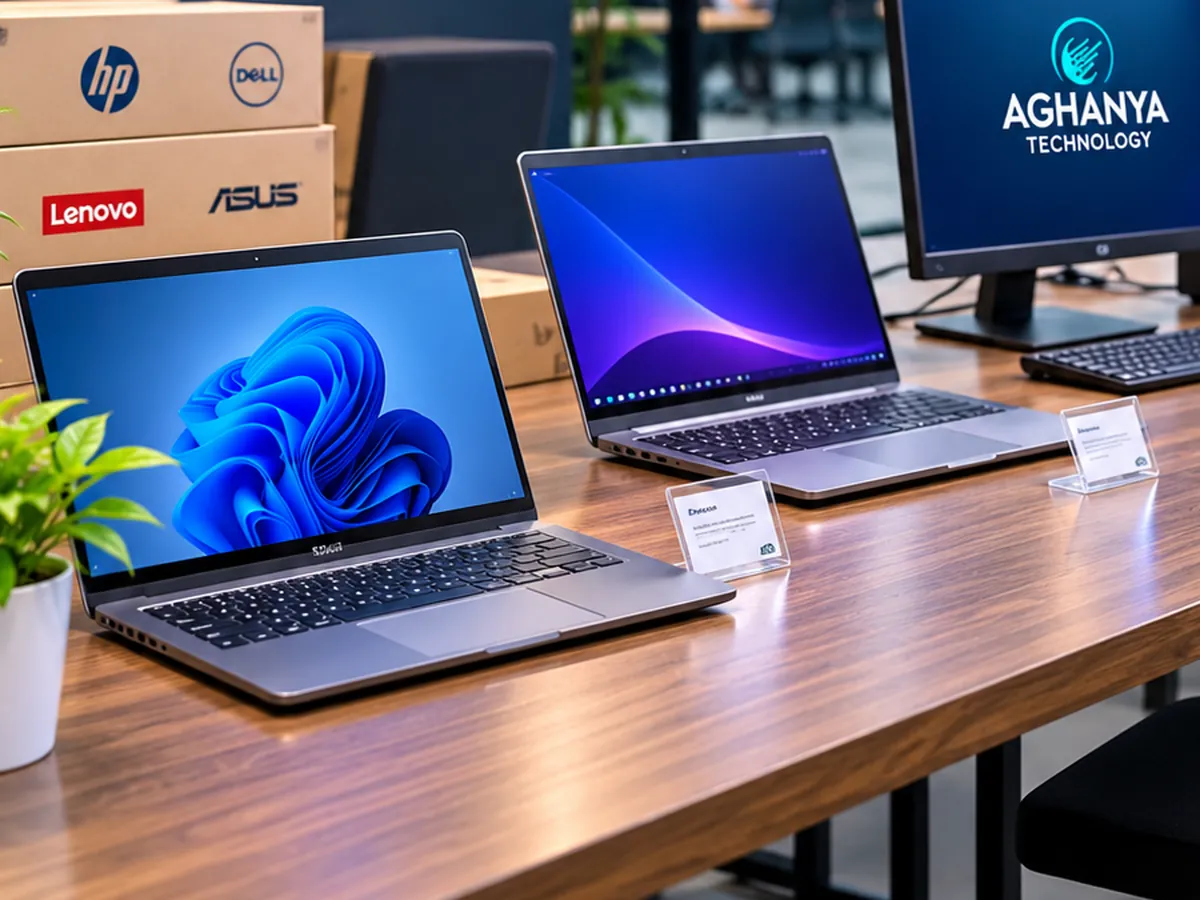
What Aghanya Technology provides
- Desktop computers for fixed office workstations.
- Higher-performance workstations for design, engineering, media and data work.
- Component sizing for processor, memory, graphics and storage based on your applications.
- Configuration before handover, with support afterwards.
The problem it solves: Design, CAD, video and large-spreadsheet users lose hours a week waiting on machines that were never built for their software.
What is included
- Everyday office desktops
- Workstations for CAD, design and video
- Graphics chosen for the software, where it matters
- Fast solid-state storage
- Room for future memory and storage upgrades
Where it is used
- Architecture and engineering offices
- Design, print and media studios
- Accounts teams working with large files
- Reception, billing and administration desks
What you gain
- Performance sized to the software
- Fewer stalls and crashes under heavy load
- Room to upgrade later
How we do it
- Step 1
List the software
Tell us which applications each user runs and where they feel slow today.
- Step 2
Size the system
We match processor, memory, graphics and storage to those applications.
- Step 3
Supply and configure
We supply the agreed systems and configure them before handover.
- Step 4
Support
We stay available for questions, faults and future upgrades.
Frequently asked questions
What is the difference between a desktop and a workstation?
A workstation is a desktop built for sustained heavy work: usually more memory, stronger graphics and components chosen for reliability under load. Most office roles do not need one; design and engineering roles often do.
Do I need a dedicated graphics card?
For CAD, 3D, video and some design software, usually yes. For office work, integrated graphics are normally enough. We decide based on the software you name.
Can a workstation be upgraded later?
Desktops and workstations generally have more upgrade room than laptops. We point out what can be added later so you do not overspend today.
Can you supply monitors and peripherals as well?
Tell us what you need alongside the systems and we will include it in our response where we can supply it.
How do I get a quotation?
Send the number of systems and the software involved. We confirm configuration and price once we understand the requirement.
Related services
- New Laptops & DesktopsNew business laptops and desktops, specified for the work each person does rather than the longest spec sheet.
- Hardware UpgradesMemory, SSD and component upgrades that give ageing computers a second working life.
- Computer & Hardware AMCPreventive maintenance for desktops, laptops, printers and peripherals, on a schedule you agree.
Request a callback about Desktops & Workstations.
Leave your name and mobile number and our team will call you back about this service. Mention quantity, location or timing if you know them.